AI and Automation
Secure and Flexible n8n Deployment with Docker, Nginx, and Cloudflare Tunnel
By Amjid Ali · · Updated · 2 min read
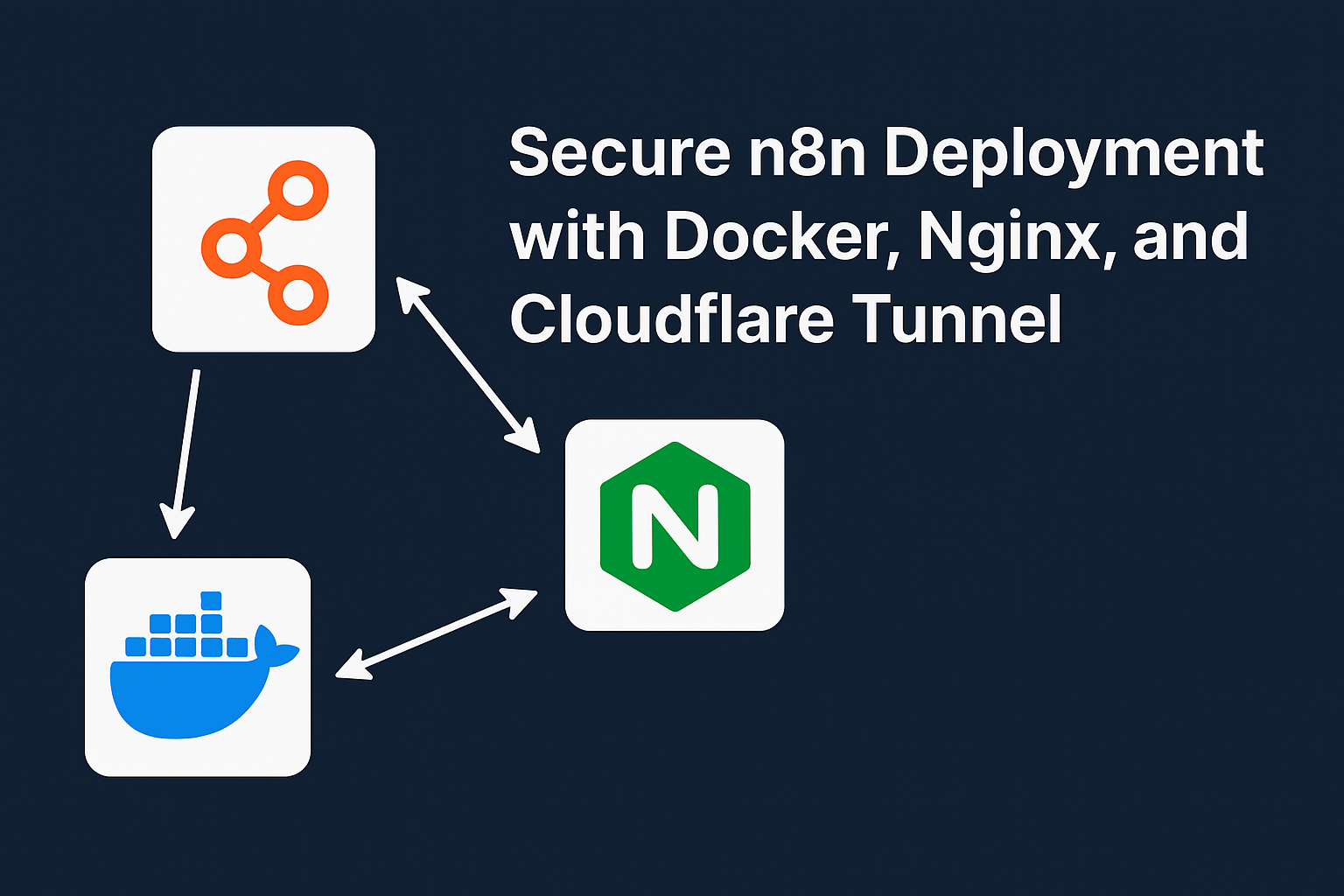
In case you want to secure n8n, this docker compose configuration is for my production setup.
Docker Compose setup for running **n8n** securely, with:
- Local access via HTTPS using Nginx + Let’s Encrypt
- Remote access using Cloudflare Tunnel
- Optional components like PostgreSQL and Qdrant for advanced use cases
It’s built for home labbers, self-hosters, and remote workers who want flexible, secure access to their automation platform without exposing unnecessary ports to the internet.
Why This Docker Compose File?
This setup is designed to:
- 🔒 Secure your
n8ninstance with HTTPS using Let’s Encrypt automatically. - 🛡️ Give you the choice to access it either:
- Locally via Nginx reverse proxy with HTTPS
- Remotely via Cloudflare Tunnel (no port forwarding!)
- 📦 Seamlessly integrate
n8nwith PostgreSQL and Qdrant for database and vector search support. - ♻️ Automatically handle SSL certificates and renewals with nginx-proxy + acme-companion.
Components in the Setup
Service Purpose n8n The main automation platform postgres Database for n8n to persist workflows, credentials, etc. qdrant Vector database for advanced AI use cases with n8n nginx-proxy Handles reverse proxy and SSL termination locally acme-companion Automatically manages Let’s Encrypt certificates cloudflared Tunnels your n8n securely to the internet (Cloudflare Zero Trust)
When to Use Nginx vs Cloudflared
Scenario Use Nginx Use Cloudflared Access n8n only inside home/office ✅ ❌ Access n8n securely from anywhere ✅ ✅ Want to avoid port forwarding/router changes ❌ ✅ Need local LAN speed for scripts ✅ Optional
💡 If you’re only using Cloudflare Tunnel, you can disable or remove the
**nginx-proxy**and**acme-companion**services.💡 If you’re only using local access, you can disable or remove the
**cloudflared**service.
How to Use
1. Clone or copy the [docker-compose.yml](https://github.com/syncbricks/n8n) file and place it in a folder:
mkdir n8n-stack && cd n8n-stack nano docker-compose.yml Paste the full file (as shown in this article) and save it.
2. Point Your Domain
Make sure n8n.syncbricks.com (or your domain) points to your server’s public IP if using Nginx/Let’s Encrypt.
If you’re using Cloudflare Tunnel, your DNS will be auto-handled.
3. Start the Stack
docker compose up -d Everything will be created:
n8nstarts and waits for its dependencies.- Nginx handles reverse proxy.
- Certs are automatically requested and installed.
- Cloudflare Tunnel securely exposes your instance.
4. Access Your n8n Instance
- 🖥️ Local HTTPS Access:
https://n8n.syncbricks.com - 🌍 Remote Access (via Cloudflare): Same URL, no port forwarding needed!
🧽 Optional Cleanup
➖ To disable Nginx (Cloudflared only):
Remove or comment out the following services:
nginx-proxy: acme-companion: And remove proxy from n8n's networks.
➖ To disable Cloudflare Tunnel (Local HTTPS only):
Remove or comment out:
cloudflared: 🔐 Bonus Tips
- Add Basic Auth in Nginx config to prevent unauthorized access.
- Integrate fail2ban or CrowdSec if exposing locally.
- Keep your domain protected behind Cloudflare Proxy (orange cloud).
📦 Summary
This Docker Compose setup gives you a secure, production-ready deployment of n8n for both:
- 🧪 Home labs and internal networks
- 🌍 Public access via Cloudflare, no hassle with firewalls
You are in full control: run it how you want.
Here is Full Tutorial
Related videos
Video library- Cloud and Self-Hosting
Nginx Proxy Manager on Proxmox: Docker Setup for Web Services
· 15:17 · 49.6K views
Read the guide Watch on YouTube - Networking and Security
How to Get Cloudflare SSL for Local Services with Nginx Proxy Manager & pfSense
· 3:40 · 16.8K views
Watch on YouTube - Cloud and Self-Hosting
Secure Proxmox Access Anywhere Without VPN | Cloudflare Tunnel Setup Tutorial (2025 Guide)
· 21:24 · 16.8K views
Watch on YouTube
Keep reading
 AI and AutomationZapier Review: Building Reliable App Automations for a Small Technical TeamZapier is a broad automation platform for connecting the software a team already uses. This review explains its workflows, built-in tools, task model, and where it fits beside more hands-on automation approaches. · 9 min read
 AI and Automationn8n Review: A Practical Automation Platform for Teams That Need Controln8n combines a visual workflow editor with code, AI capabilities, and deployment choices. This review explains where it fits for technical teams, what its execution-based plans include, and the trade-offs to consider. · 8 min read
 AI and AutomationConnect an AI Phone Agent to a Reliable Booking WorkflowA caller asks for an appointment, hears a friendly confirmation, and hangs up. The calendar remains empty. Whoever answers the next call now has two problems: · 5 min read